
Online and Mobile Banking
Online and Mobile Banking
Discover the convenience of banking from the comfort of your home, any time, day or night!
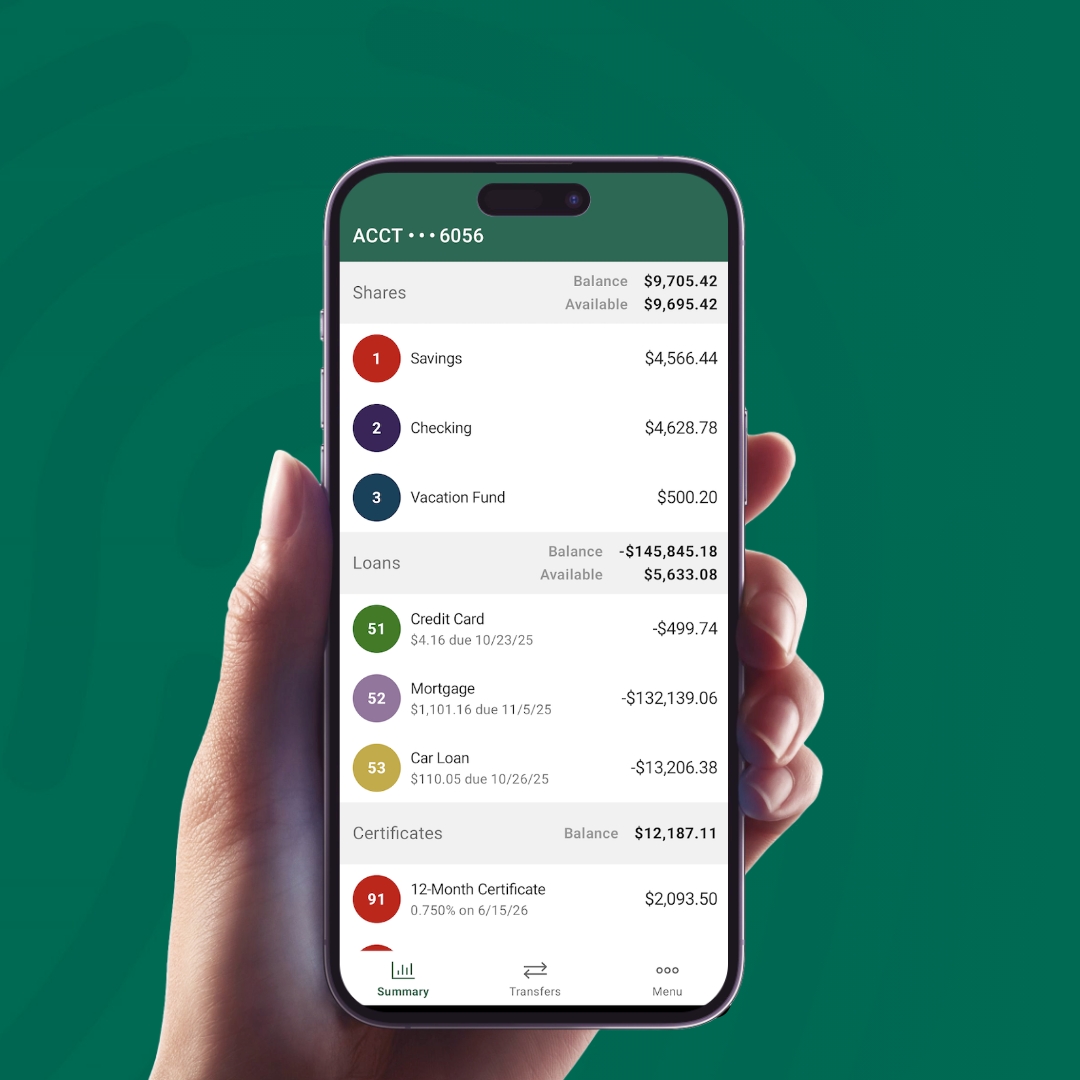
Enjoy the benefits of Stewart’s FCU mobile app:
Use for FREE!
Balance your checkbook.
Transfer funds from one account to another.
View and print cleared checks.
Withdraw funds from your account.
Spot potential fraud faster.


E-Statements
E-statements are a safe, smart, FREE and convenient way to receive your account statement. Members signed up for our online banking program have the option to receive their account statements electronically. This means that you can receive your statements online promptly at the end of the statement period. No more waiting for the mail. Simply sign in to home banking, click Statements, and follow the prompts.
Online Bill Pay
When you use Bill Pay from Stewart’s FCU, you’ll have more freedom to enjoy life.
Here’s why: Bill Pay gives you convenience, savings and security. You won’t have to worry about stamps, envelopes or trips to the post office. Bill Pay lets you pay your bills electronically, all in one place. And you can make payments anywhere, anytime, even when you’re traveling. Bill Pay also works around your life, because you can schedule single or recurring payments in just a few steps. Then you’ll never worry about missing a bill or paying late fees.
Bill Pay is also the fastest way to keep tabs on your payments. Now you can track your payments history at a glance and follow all your past, present and future scheduled transactions. You can also set up helpful electronic notifications that send you a quick reminder when payments are due or notify you that a bill has been paid.
To get started, simply stop by Stewart’s FCU or call us at (518)581-1201, ext. 3900. Alternately, you can log into your online banking account and select Bill Pay to access the enrollment form. Then you can simplify your life with Bill Pay.
With Mobile Check Deposit you can deposit your checks into your account simply by taking a picture of the check with your smart phone (iPhone or Android). From any location, your deposit is easy and secure. You will need to contact the credit union to be enrolled, and the instructions and information will be sent to you at that time.
Mobile Check Deposit
With Mobile Check Deposit you can deposit your checks into your account simply by taking a picture of the check with your smart phone (iPhone or Android). From any location, your deposit is easy and secure. You will need to contact the credit union to be enrolled, and the instructions and information will be sent to you at that time.
Tutorials
Online Banking
Mobile App
Remote Deposit Capture
Have a question?
We’re here to help. Our team is ready to answer your questions and guide you every step of the way.
